
You upload your song or podcast to Amazon Music. It sounded loud, clear, and powerful in your studio or headphones. But after release, something feels off. It sounds quieter than other tracks, or it has lost punch and energy. This is a very common experience for new-era creators.
The reason is not your talent or creativity. The reason is loudness normalization.
Amazon Music does not play every song at its original volume. Instead, it adjusts loudness so listeners don’t have to keep changing volume between tracks. This system is helpful for listeners, but confusing for creators who don’t yet understand LUFS and True Peak.
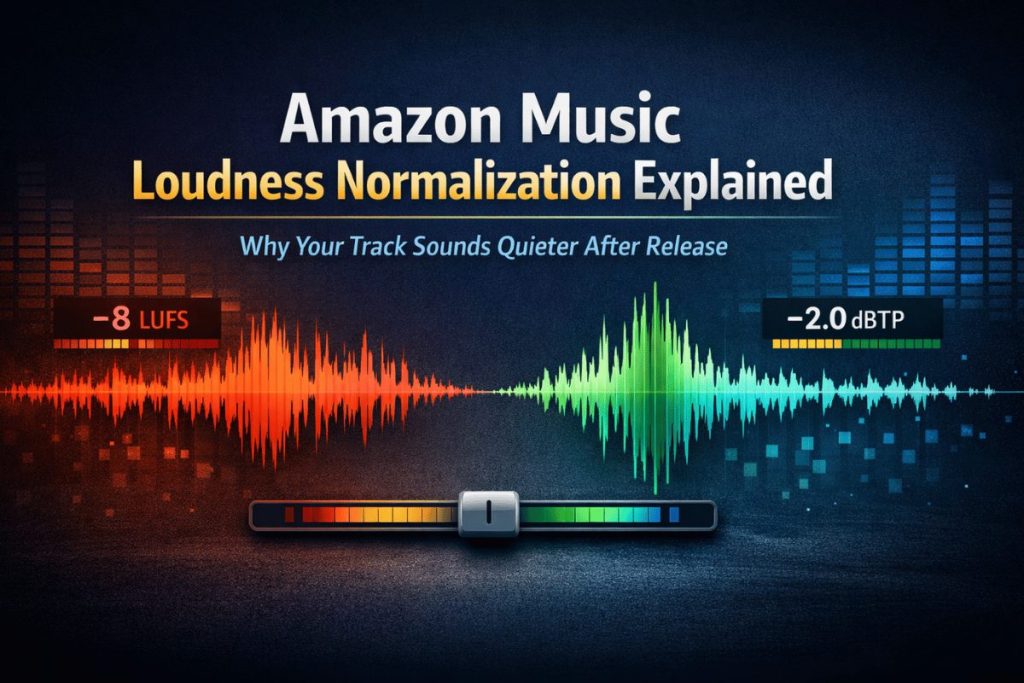
Many new musicians, singers, and podcasters think louder is better. So they push their audio hard during mastering. But Amazon Music often turns those tracks down automatically. When that happens, over-processed audio can sound flat, dull, or even distorted.
This blog will explain Amazon Music loudness normalization in the simplest way possible. You will learn what LUFS and True Peak mean, what targets Amazon Music expects, and how to prepare your audio so it sounds clean and strong after normalization, not weaker.
Table of Contents:
What Is Loudness Normalization on Amazon Music?
What Happens When You Master Too Loud for Amazon Music
Why This Is Confusing for New Musicians and Podcasters
Preparing Audio for Amazon Music the Smart Way
Where Remasterify Fits Into This Process
Simple Amazon Music Workflow Using Remasterify
What Is Loudness Normalization on Amazon Music?
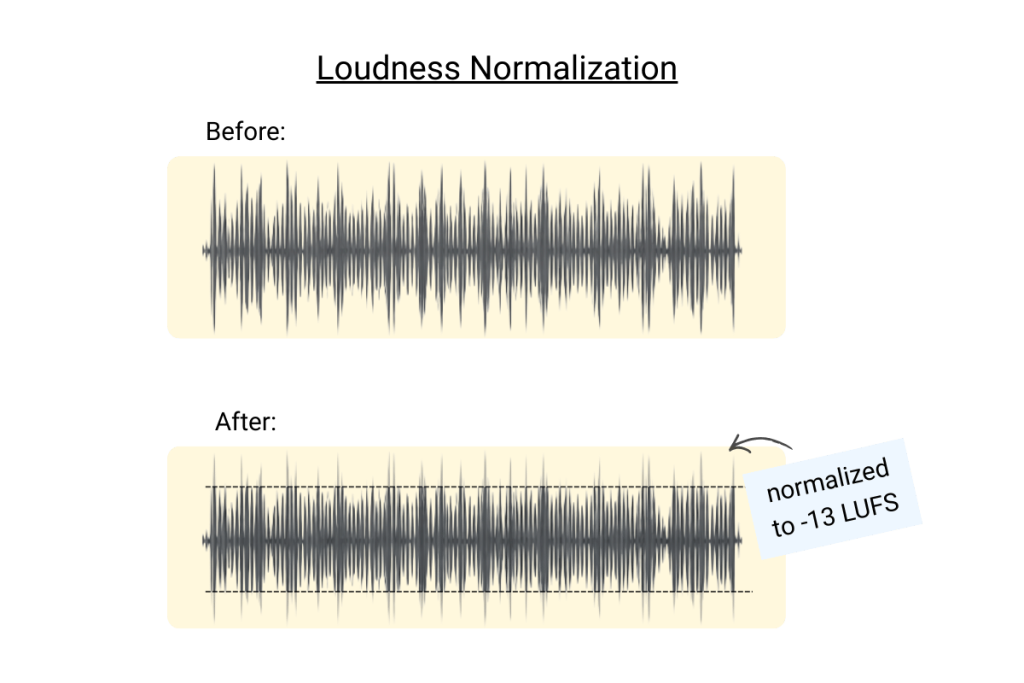
Loudness normalization is Amazon Music’s way of making all songs and podcasts feel equally loud to listeners. It does not change your mix or add effects. It only adjusts playback volume so one track does not feel much louder than another.
Imagine listening to a playlist where one song suddenly blasts your ears, and the next feels too quiet. That is frustrating for listeners. Loudness normalization fixes this by setting a loudness reference level and adjusting tracks to match it.
If your track is too loud, Amazon Music will turn it down.
If your track is too quiet, it may be turned up slightly.
The important thing is this: Amazon Music decides the final playback loudness, not you.
This is why mastering “as loud as possible” is no longer a smart approach. When a very loud master is turned down, all the damage from heavy limiting stays. The punch, clarity, and depth do not come back.
Why Amazon Music Uses LUFS Instead of Volume
In the past, people measured loudness using peak levels, like hitting 0 dB. But peak level does not represent how loud something feels to the human ear.
Amazon Music uses LUFS, which measures perceived loudness over time. This means:
- How loud the audio feels overall
- Not just how high the peaks go
- Not short bursts, but the full track experience
LUFS helps platforms treat a calm acoustic song and a loud electronic track more fairly.
For creators, this means one thing: LUFS matters more than raw loudness.
Amazon Music Loudness Targets (What They Expect)
Amazon Music aims for a playback level close to –14 LUFS (Integrated). This is similar to other major streaming platforms, but Amazon is stricter about clean peaks.
Here are the commonly accepted targets creators should aim for:
| Parameter | Target Value |
| Integrated Loudness | –14 LUFS |
| True Peak | –2.0 dBTP or lower |
Integrated LUFS means the average loudness of the entire track.
True Peak measures real peaks that can cause distortion after conversion.
If your True Peak is too high, your audio may clip when Amazon Music processes it, even if it sounded fine before upload.
Why These Targets Matter for New Creators
For new musicians and podcasters, this part is critical. If your master goes far above –14 LUFS, Amazon Music will turn it down. But the heavy compression and limiting will stay. This often makes your track sound smaller than others.
On the other hand, a well-balanced master that respects LUFS and True Peak will survive normalization. It may not look as loud on meters, but it will feel stronger when played next to other tracks.
This is why modern mastering is not about being the loudest. It is about being normalization-friendly.
LUFS and True Peak
For many new musicians and podcasters, LUFS and True Peak sound like complex studio terms. But they are not as scary as they seem. You don’t need to become an audio engineer to understand the basics. You only need to know what they represent and why they protect your sound.
LUFS means Loudness Units Full Scale. In simple words, it measures how loud your entire track feels from start to end. It does not focus on short loud moments. Instead, it looks at the whole listening experience, just like a human ear does.
If your song starts soft, builds energy, and then drops, LUFS measures all of that together. That’s why Amazon Music trusts LUFS more than peak meters.
What Is True Peak and Why Amazon Music Cares About It
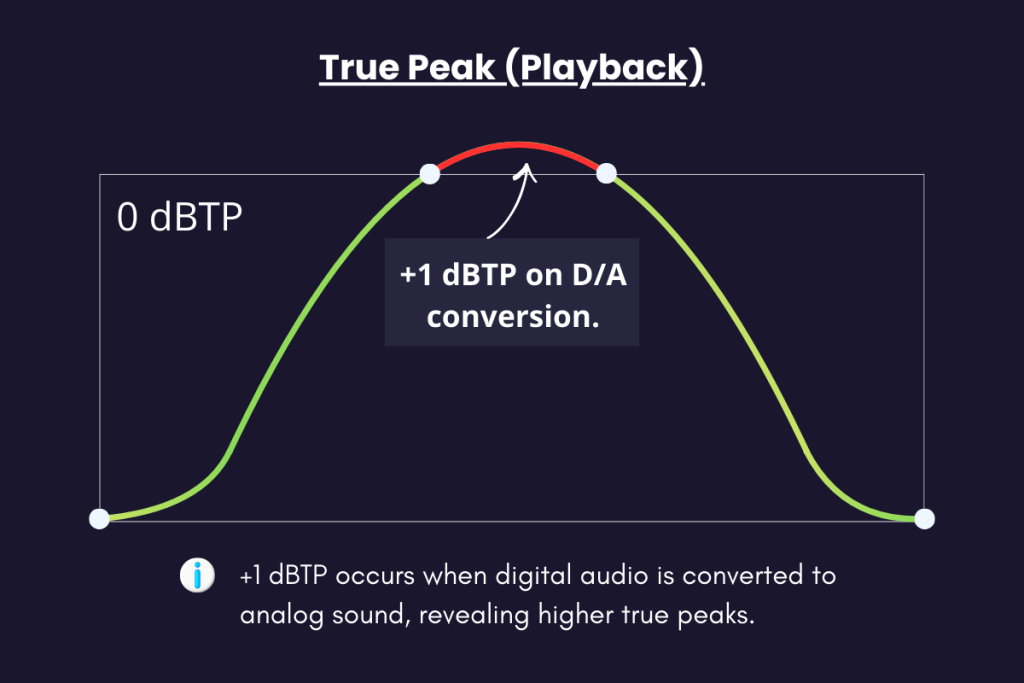
True Peak is about hidden peaks that can cause distortion after upload. Even if your track does not cross 0 dB in your DAW, it can still clip when converted to streaming formats like AAC or MP3.
Amazon Music recompresses audio files. During this process, peaks can rise slightly. If your master is already too close to the edge, distortion can happen.
This is why Amazon Music prefers –2.0 dBTP instead of –1.0. It gives your audio more breathing room and keeps it clean after processing.
What Happens When You Master Too Loud for Amazon Music
Most new creators make the same mistake. They push loudness because they want their track to stand out. On meters, it looks powerful. But after upload, Amazon Music turns it down.
When this happens, the damage stays:
- Transients are crushed
- Vocals lose clarity
- Bass feels flat
- The track sounds smaller than others
Now imagine another track that was mastered with balance. It was not pushed too hard. After normalization, it plays at the same volume level, but it still has punch and depth.
This is why two tracks at the same playback loudness can feel very different.
Why This Is Confusing for New Musicians and Podcasters
If you are uploading your first songs or podcast episodes, no one explains this clearly. Tutorials often say “make it loud” without mentioning streaming platforms.
You may also face problems like:
- Different loudness targets on different platforms
- Confusing meters
- Fear of being “too quiet”
- No feedback until after release
This confusion causes many creators to guess instead of master with confidence. And guessing is risky when platforms like Amazon Music control final playback loudness.
What creators really need is a safe, modern approach that respects platform rules without killing creativity.
Preparing Audio for Amazon Music the Smart Way
The smart way to master for Amazon Music is not chasing loudness. It is preparing your audio to survive normalization.
That means:
- Aiming near –14 LUFS integrated
- Keeping True Peak safely below –2.0 dBTP
- Avoiding aggressive limiting
- Preserving dynamics and clarity
When your master stays within these limits, Amazon Music does not need to turn it down much. Your track stays closer to its original character.
Where Remasterify Fits Into This Process
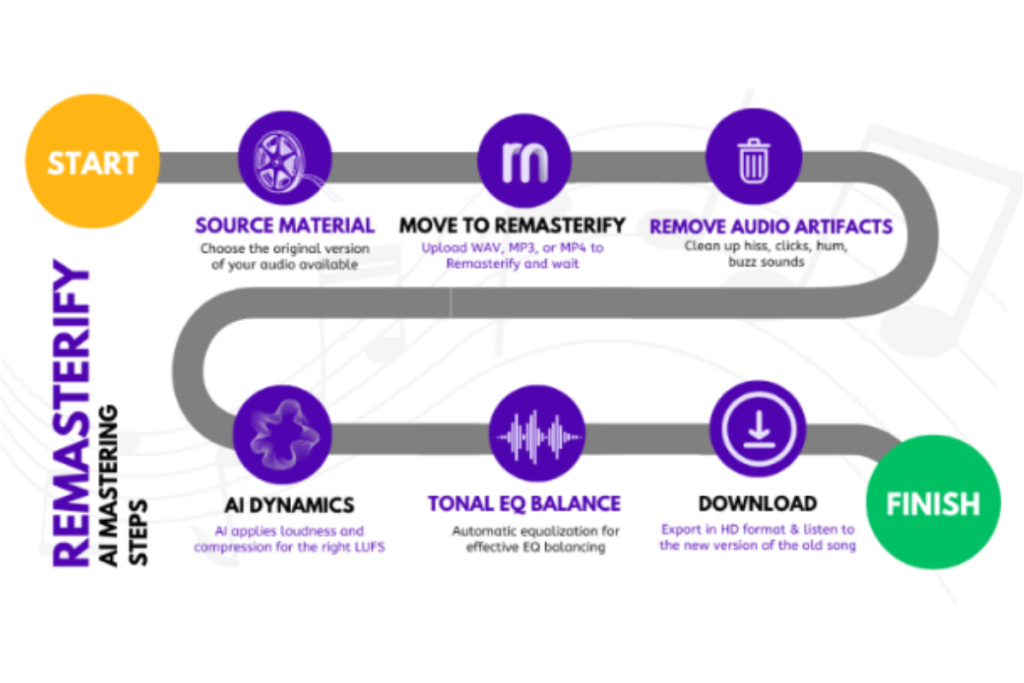
For independent musicians, singers, and podcasters, manually checking LUFS and True Peak can feel overwhelming. This is where tools like Remasterify become useful.
Remasterify is designed for modern streaming platforms. Instead of pushing loudness blindly, it focuses on balanced, streaming-safe masters. This helps creators avoid the common mistakes that cause tracks to sound weaker after normalization.
You don’t need deep technical knowledge. You focus on your music or voice. The mastering process stays aligned with real-world platform behavior, including Amazon Music.
Simple Amazon Music Workflow Using Remasterify
Here is how a typical creator can approach Amazon Music preparation in a simple way:
- Upload your final mix or podcast episode
- Let Remasterify process the audio with streaming safety in mind
- Export high-quality WAV or MP3
- Upload to Amazon Music without fear of loudness penalties
This workflow removes guesswork. Instead of chasing meters, you focus on content and consistency.
Correct These Beliefs
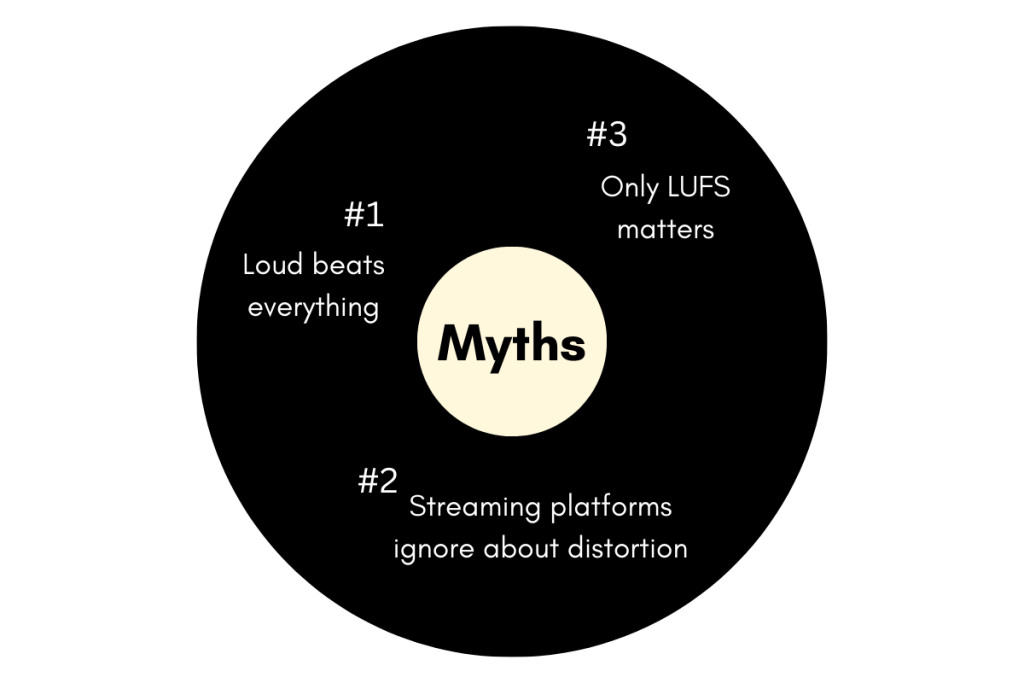
Many creators still believe a few myths that cause problems later.
Myth 1: Louder tracks perform better
Reality: After normalization, loud tracks often sound weaker.
Myth 2: LUFS is the only thing that matters
Reality: True Peak is just as important for clean playback.
Myth 3: Streaming platforms don’t care about distortion
Reality: Distortion stays even after loudness is reduced.
Understanding these myths helps you master with confidence instead of fear.
Conclusion: Loudness Is About Balance, Not Volume
Amazon Music loudness normalization is not your enemy. It exists to protect listeners and reward clean, balanced audio. When you understand LUFS and True Peak, mastering stops feeling confusing.
For new-era musicians, singers, and podcasters, the goal is simple: create audio that sounds good everywhere, even after normalization. This means respecting platform targets and avoiding unnecessary loudness wars.
If you want a simpler way to prepare streaming-ready audio without diving deep into meters and technical rules, tools like Remasterify can make the process smoother, especially when consistency matters more than chasing volume.
In modern streaming, the tracks that last are not the loudest.
They are the clearest, cleanest, and most balanced.