
If you’ve just recorded a song, vocal, or podcast episode and the result was almost done but not ready to publish/ release/ post, you need to master it. Mastering is the final stage that makes your audio sound clear, balanced, and ready for real listeners on Spotify, YouTube, Apple Podcasts, or any speaker.
AI mastering makes this process simple. You don’t need deep technical knowledge or expensive studio gear. You only need a good final recording and a basic understanding of what each step does.

Let’s walk through the full AI mastering process, with 6 steps.
Table of Contents:
Clean Up Small Noise and Artifacts
Step 1: Start with a Clean Final Mix
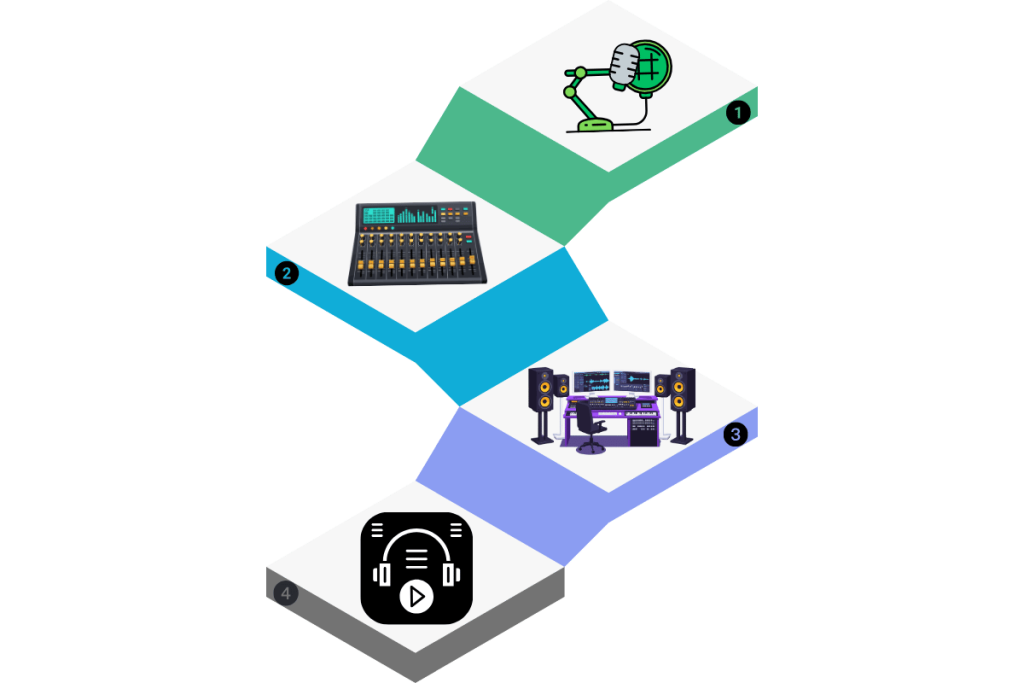
Before mastering begins, your song or podcast needs to be fully mixed. This means all parts, vocals, music, effects, are already balanced the way you want. Mastering does not fix bad mixes; it improves good ones. Read More.
This step matters because AI mastering tools work on the entire audio file, not individual tracks. If vocals are too loud or music is distorted, mastering can’t fully repair that. A clean mix gives the AI room to enhance clarity and loudness without damage.
In real-world playback, a clean mix ensures your master sounds good everywhere, phones, headphones, cars, and speakers, without sudden jumps in volume or harsh sounds.
We have some helpful tips
- Export your audio as WAV or AIFF (best quality)
- Avoid clipping or distortion
- Leave a little headroom (don’t push volume too hard)
Step 2: Let AI Analyze Your Audio
Once you upload your final mix, AI mastering begins with listening and analysis. The system scans your entire track to understand what it sounds like and what it needs.
The AI checks things like frequency balance (bass, mids, highs), loudness, dynamics, and stereo width. This matters because every song and voice recording is different. A soft acoustic song needs different treatment than a loud pop track or spoken podcast.
This analysis step helps your audio play back evenly across platforms like Spotify and YouTube, which automatically adjust volume. Without proper analysis, your track may sound too quiet, dull, or uneven next to other content.
Step 3: Clean Up Small Noise and Artifacts
Even new recordings often contain small problems you don’t notice at first. These include background hiss, room noise, mouth clicks, hum, or sharp digital sounds. AI mastering gently reduces these issues.
This step matters because noise becomes more noticeable after mastering raises loudness. If noise is left untreated, it can distract listeners, especially on headphones or during quiet parts.
In real-world playback, clean audio feels more professional. Vocals sound closer and clearer, podcasts feel easier to listen to, and music doesn’t feel tiring or messy.
Common noises AI helps control
- Background hiss or room tone
- Hum or buzz
- Clicks, pops, or harsh edges
Step 4: Improve Loudness and Dynamics
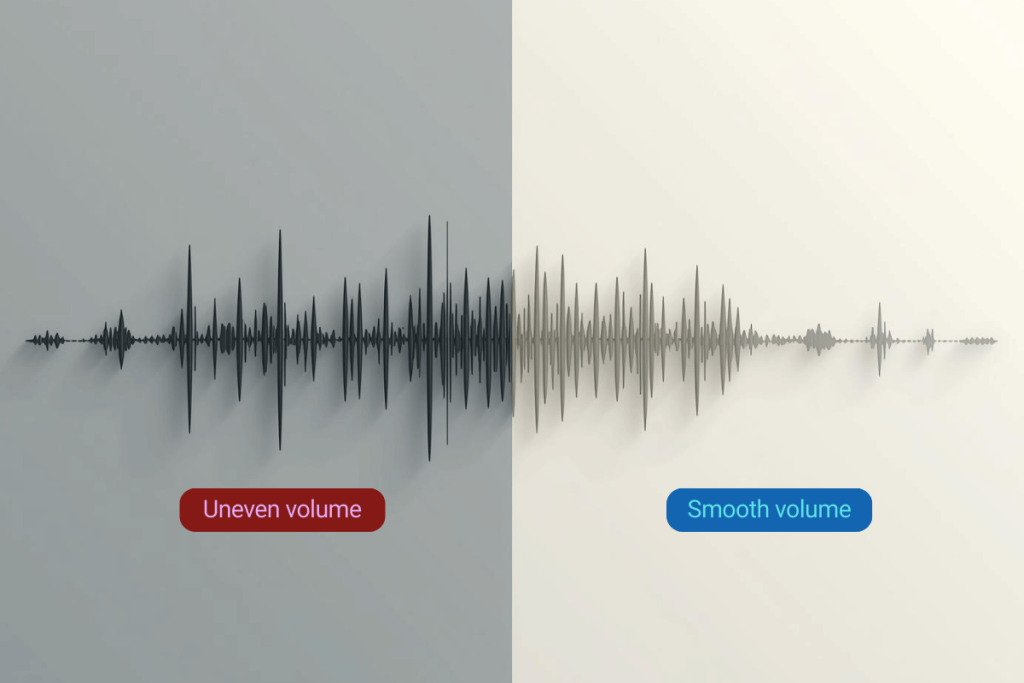
Loudness is how strong your audio feels, and dynamics are the difference between soft and loud parts. AI mastering carefully adjusts both, so your track sounds full without being crushed.
This step matters because streaming platforms expect audio to sit in a certain loudness range (often around –14 LUFS). If your track is too quiet, it sounds weak. If it’s too loud, platforms may turn it down or distort it.
For listeners, good dynamics mean your song feels alive and your podcast voice feels steady and comfortable. It won’t force people to turn the volume up and down while listening.
Practical idea
- Softer music → lighter mastering
- Pop, rock, spoken content → stronger but controlled loudness
Step 5: Balance the Tone (EQ)
EQ means adjusting bass, mids, and highs so your audio sounds natural and clear. AI mastering can do this automatically or with simple controls, even if you don’t understand frequencies.
This step matters because recordings often sound muddy, thin, or harsh depending on the mic, room, or voice. EQ helps your vocals cut through and your music feel balanced instead of dull or sharp.
In real-world playback, good tonal balance means your audio sounds clear on small phone speakers and full on larger systems, without losing important details.
What AI EQ usually improves
- Reduces muddy low-mids
- Smooths harsh highs
- Adds clarity and presence
Step 6: Export and Check Your Master

After mastering, the final step is exporting your audio in the right format. High-quality WAV files are best for music and podcasts going to streaming platforms.
This step matters because exporting incorrectly can undo all the work. Low-quality formats or wrong settings can reduce clarity or cause playback issues.
Before publishing, always listen to your master on different devices. This helps confirm that it sounds good everywhere, not just on one set of headphones.
Final checks
- Listen on phone, headphones, and speakers
- Make sure volume feels consistent
- Confirm no distortion or harshness
Final Thought
AI mastering helps beginners finish their songs, vocals, and podcasts with confidence. You don’t need to understand every technical detail to get professional results. By following these steps, you ensure your audio sounds clear, balanced, and ready for real listeners.
Mastering isn’t about changing your sound, it’s about helping your sound translate everywhere.