
Most beginners don’t start with an expensive setup. They start with the phone in their pocket. And the best part is that your device is no longer a barrier to your aspiration. Thanks to AI, that phone is now enough to master a track on its own.
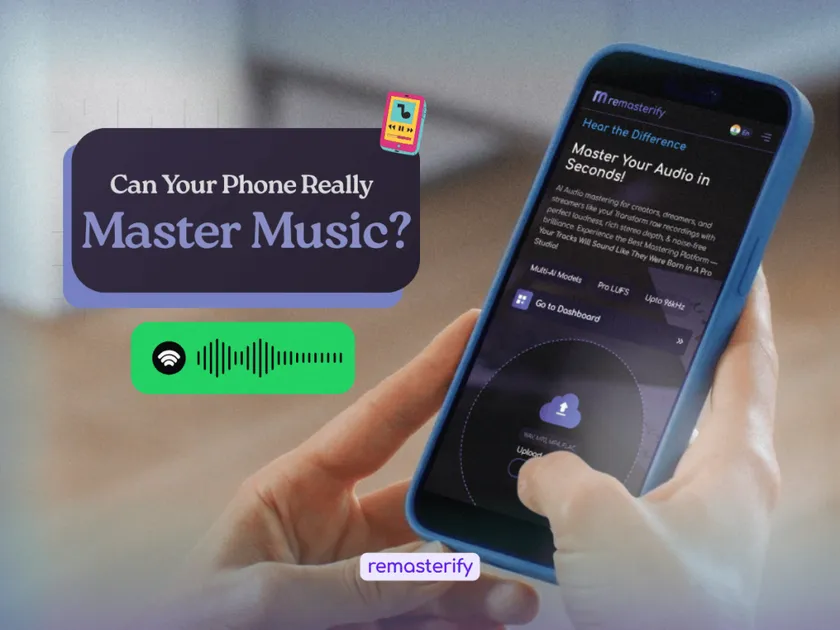
If you’ve already done the creative and time-consuming part, like writing, recording, or mixing, only one step stands between you and release, and that is audio mastering. It has a reputation as the technical stage best left to trained audio engineers.
Today, that is changing. Modern AI mastering tools make it possible to master music directly from your phone, often in just a few minutes. In this guide, you’ll learn how mobile AI mastering works, its benefits, and the best tools available to help you achieve professional-sounding results.
⚡ Quick Answer
Mobile AI mastering lets you upload a finished stereo mix from your phone and get back a polished, streaming-ready master. Good tools handle EQ, dynamics, stereo width, and loudness normalization to about -14 LUFS with peaks at -1 dBTP, the levels Spotify and most platforms expect. AI masters work well for demos, singles, and most releases. For high-stakes commercial records, a human engineer still has the edge.
Table of Contents
- What makes mobile AI Mastering worth it?
- What makes AI Mastering on mobile actually possible?
- Top 5 AI Mastering Tools for Mobile Users
- Tips for Best Results
- Frequently Asked Questions
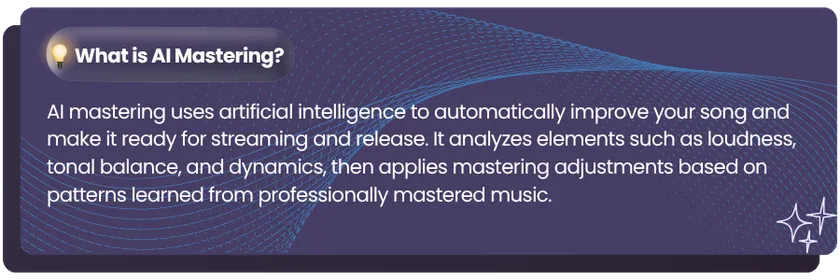
What makes mobile AI mastering worth it?
According to LANDR’s 2025 survey of 1,241 music creators, 87% already use AI in their music workflow to simplify production and technical tasks. Mobile AI mastering is one of the easiest ways to bring those benefits into your workflow, and here’s why it’s worth considering.
1. Master From Anywhere
One of the biggest advantages of mobile AI mastering is flexibility. Whether you’re traveling, rehearsing, or working from a home studio, you can upload and master tracks from virtually anywhere without needing access to a computer.
2. Faster turnaround
Many creators already use their phones to record ideas, edit content, and manage their music projects. Mobile AI mastering completes that workflow by letting you upload, master, review, and download tracks on the go. This eliminates extra file transfers, saves time, and makes releasing music more convenient than ever.
3. Easy to use, even on mobile
Mobile AI mastering is designed for simplicity. You upload your track, and the AI handles the adjustments using industry standards. The settings that usually take training become simple controls, so instead of learning EQ or compression, you just set how strong the master should be or match it to a reference song.
What Makes AI Mastering on Mobile Actually Possible?
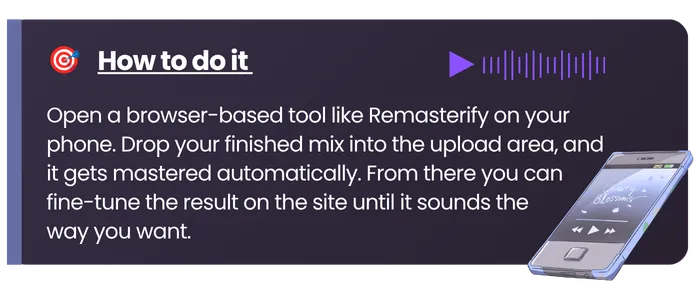
The answer is simpler than it sounds. Your phone does not do the hard work. When you upload your mix, the mastering happens on a powerful server online, where machine learning analyzes your track, enhances it, and sends back a polished master in minutes. Your phone only sends the file and gets the finished track back, so even a basic phone is enough.
Top 5 AI Audio Mastering Tools for Mobile Users
Let’s dive into some of the best AI-powered online mastering tools available today.
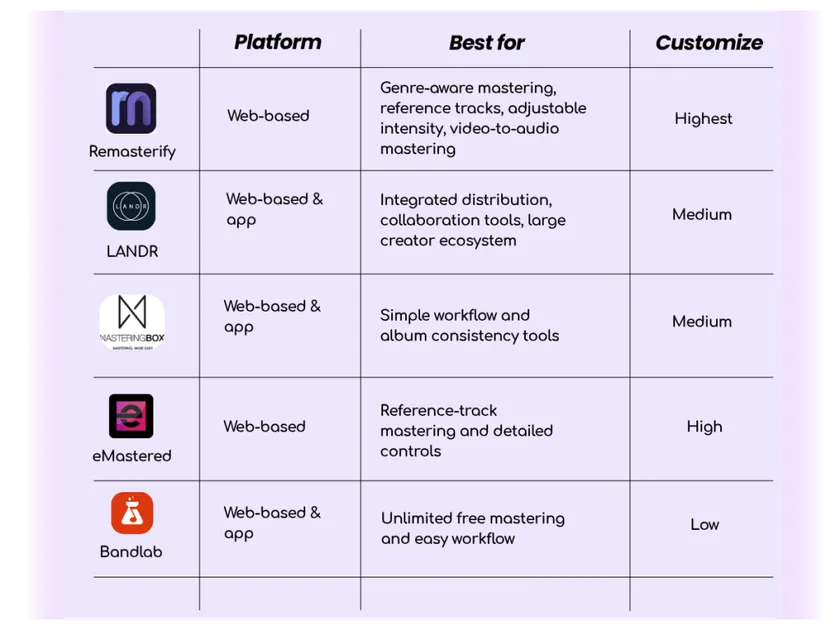
1. Remasterify
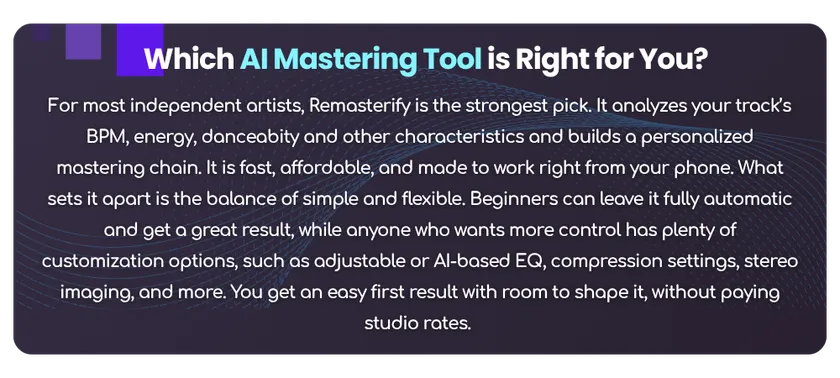
Remasterify is an AI mastering tool built for musicians who want a release-ready track without learning the technical side. You upload your finished stereo mix, and it handles the mastering stage for you, right from your phone. Learn More
What makes it different?
- Genre-aware mastering and tuned for streaming. Remasterify analyzes your track by genre and applies a custom mastering chain. You can even set the loudness to -14 LUFS with peaks at -1 dBTP, so your track lands at the right level for Spotify and most platforms with no extra work.
- Real control, not just one button. You can adjust the mastering intensity from subtle to strong, upload a reference song to match its sound, or use other manual settings available to fine-tune. Most one-click tools do not give you this much room.
- Noise cleanup and flexible export. It can remove background noise from your mix and export to MP3, WAV, or HD WAV at the sample rate you need, so your master is ready for streaming, video, or download.
- Master straight from your video. You can upload an MP4, so if your final track already lives in a video, just drop the file in for that last audio polish. No need to export the audio separately first.
2. LANDR

LANDR is one of the most well-known names for online AI audio mastering, and for good reason. It doesn’t just master your music, it also offers distribution services, collaboration tools, and an entire library of production resources. Learn More
What makes it great?
- AI Mastering Engine: Analyzes your track and applies mastering settings to match your genre and sound.
- Built-in Distribution: Want to get your music on Spotify, Apple Music, or YouTube? LANDR lets you master and distribute in one place.
- Collaboration Features: Share your project with other artists, producers, and engineers for real-time feedback.
3. MasteringBOX
If you want something fast, simple, and effective, MasteringBOX is a solid choice. It’s a mastering tool that focuses purely on sound quality without any distractions. Learn More
What makes it great?
- Automated Mastering on Mobile: Uses AI to analyze your track’s frequencies, loudness, and dynamics, ensuring a balanced final mix.
- Loudness & EQ Control: If you want some adjustability, you can tweak your master’s loudness and EQ settings.
- Album Project Support: If you’re mastering multiple songs for an EP or album, it keeps everything sonically consistent.
4. eMastered

If you like the idea of Grammy-winning engineers designing a mastering tool, then eMastered should be on your radar. This tool lets you upload a reference track, and the AI matches your song’s mastering style to that reference. Learn More
What makes it great?
- AI-Driven Mastering: Uses intelligent processing to enhance your track’s EQ, compression, and dynamics.
- Reference Track Feature: If you want your song to sound similar to a specific track, just upload it, and eMastered will match its characteristics.
- Customization Options: Adjust compression, stereo width, and EQ to fine-tune your master.
5. BandLab Mastering
BandLab Mastering is an excellent free option for musicians who want quick, easy, and unlimited home song mastering solutions. While it doesn’t have the depth of some premium services, it’s a great way to enhance your tracks at no cost. Learn More
What makes it great?
- Algorithmic AI Mastering on mobile: Automatically applies smart EQ, compression, and loudness adjustments to your track.
- Multiple Mastering Presets: Choose from different styles to match your genre and sound.
- Unlimited Free Mastering: No restrictions on the number of tracks you can master.
Tips for the Best Results
Even though AI makes mastering easier, a bad mix will result in a bad master. Before sending your track for cloud-based mastering services, make sure:
1. A Well-Balanced Mix
- Ensure that vocals, instruments, and bass levels are balanced.
- Avoid excessive use of effects like reverb or heavy compression before mastering.
Tip: Play your mix on different devices (headphones, speakers, car stereo) to check balance before mastering.
2. Keep Headroom before Mastering on mobile
Leave at least -6dB of headroom on the master track for AI to work effectively. Example: If your track clips (hits 0dB) before mastering, the AI won’t have enough space to enhance it.
3. Export High-Quality Files
Use WAV (24-bit) or FLAC instead of MP3 for the best mastering results. Analogy: Mastering an MP3 is like trying to sharpen a blurry photo; it won’t fix underlying quality issues.
Key Takeaway
AI-powered mastering on mobile has revolutionized music production, making professional-quality sound accessible to everyone. You can now quickly and affordably enhance their tracks without needing expensive studios or complex software. Whether you’re a home studio producer, independent musician, or traveling artist, AI mastering helps streamline the process.
By embracing AI mastering, musicians can focus more on creativity and less on technical barriers. If you haven’t tried it yet, now’s the perfect time; your next hit could be just a few clicks away!
Frequently Asked Questions
Yes, you can master a song directly on your phone using AI-powered tools like Remasterify. These mobile apps use smart algorithms to enhance your audio with proper EQ, loudness, and clarity. There is no need for a studio or technical skills.
AI mastering is fast, affordable, and easy to use. It balances your track and sets it to streaming loudness in minutes, with no engineering skills needed. It usually costs a fraction of a studio, and it keeps every track in a release sounding consistent. For demos, singles, and most streaming drops, it gets you a polished, release-ready master on your own.
Remasterify is one of the best online mastering tools for beginners. It’s easy to use, mobile-friendly, and offers automatic EQ and loudness control. You can also use reference tracks and tweak intensity settings without needing advanced knowledge of mastering.
Mobile mastering with AI tools is usually low-cost or even free. Some apps offer basic mastering for free (like BandLab), while others, like Remasterify, provide high-quality results at affordable mastering plans (for unlimited units of tracks), ideal for indie musicians and budget-conscious producers.
Yes, it’s best to use a high-quality file like WAV or FLAC for online free audio mastering AI tools. These formats preserve more detail than MP3, helping the AI produce a cleaner, more professional master with better loudness and frequency balance.